
Hi this is Maria… Welcome to Maria’s Craftroom! I was asked about flooding in Procreate and how to avoid it.
I was recently asked how to fix color flooding in Procreate. This problem is usually solved by lowering the Threshold setting. Simply drag the pen to the left to lower threshold.
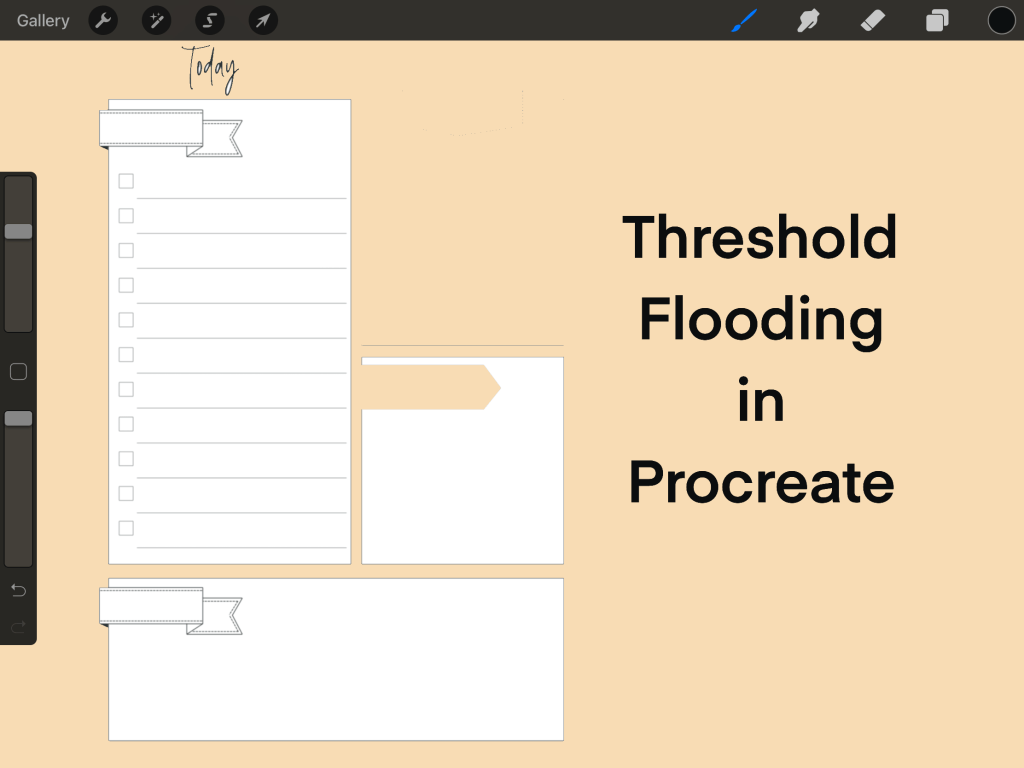
This will NOT work if you have open edges to the boxes you want to fill. In order to fill any shape, there need to be no breaks in the lines. Check the video and I’ll show you what I mean.
📖Previously known as http://www.youtube.com/MariasDigitalPlanning
🛍 Products Used in this video:
See disclosure below.
- Calendar layouts: https://etsy.me/2YYllh0
✂️Use code MARIACOUPON to save 20% @JennyGollanDesigns
🌺Jenny Gollan Designs Facebook group: https://www.facebook.com/groups/DigitalPlannersWorldwide/
✍🏼Sign up for the Jenny Gollan Designs Newsletter for great info and freebies! It comes to you once a month. Sign up here: http://eepurl.com/0QFc9
Disclosure:
Crafting: All products were personally purchased. My videos express my experience and my personal opinion of the products I use. I do not work for nor represent any of these companies. I do not do sponsored videos.
Digital: I am a brand ambassador for Jenny Gollan Designs. However, I only show products I like and use myself. I either buy them, or get them at a discount unless otherwise identified as freebies.

 Maria’s Craftroom