

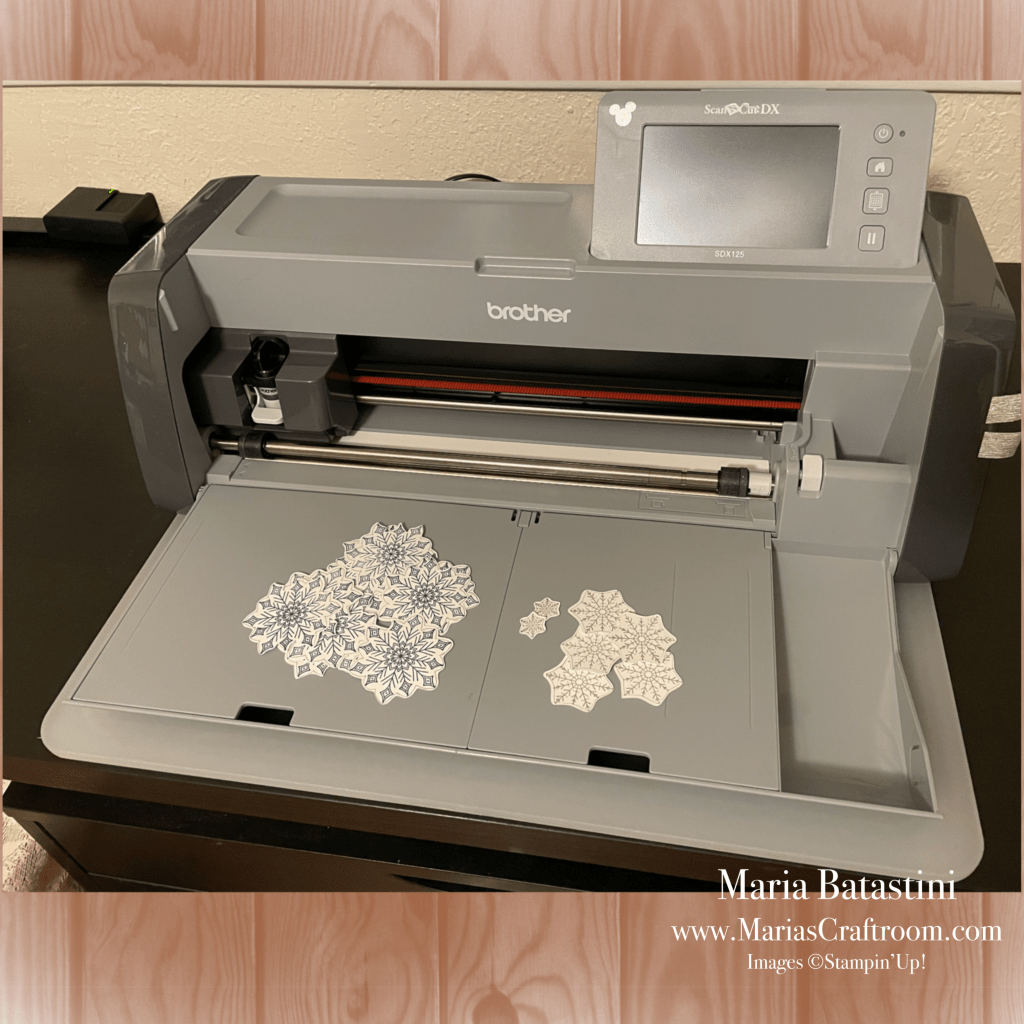
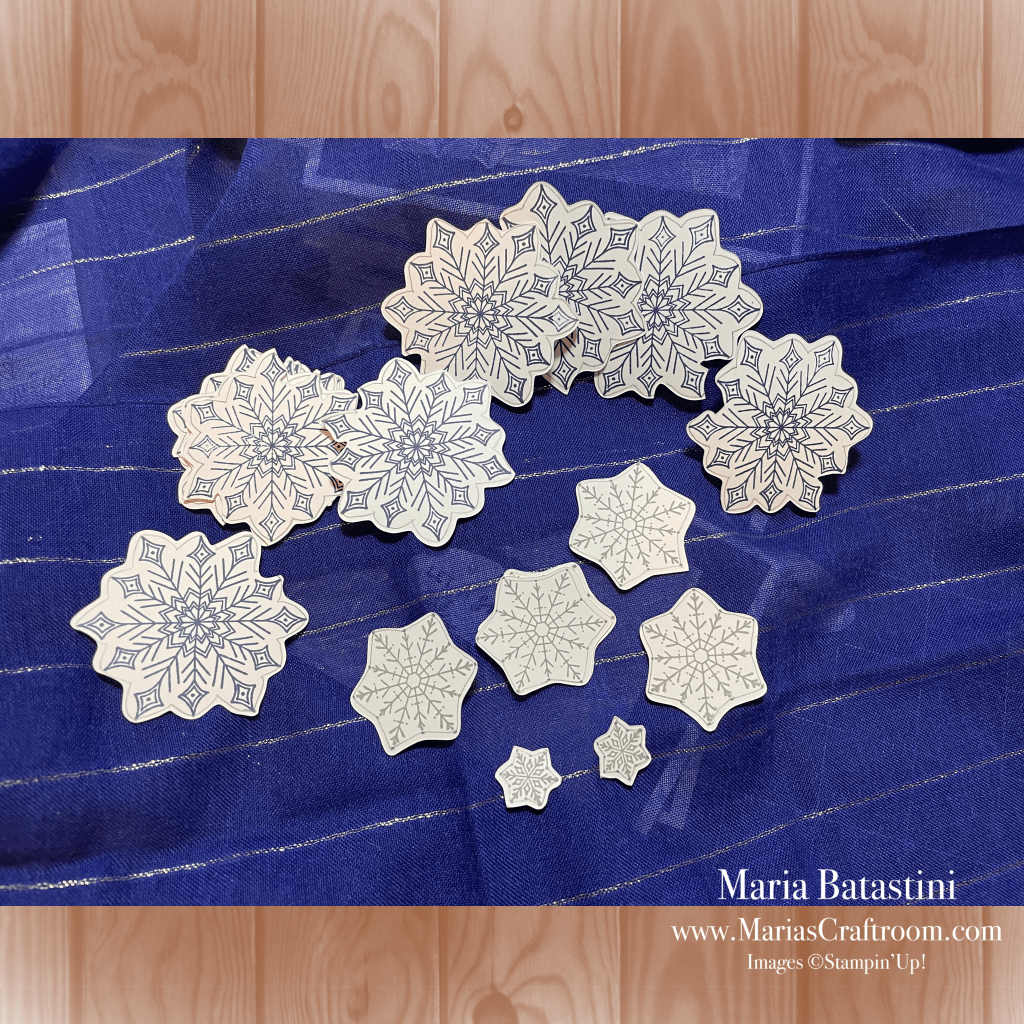
Hi everyone! Today we’re using the Brother Scan N Cut to cut out snowflakes! I was making my Christmas cards from last week’s video assembly line style, and decided to add snowflake cut outs. I totally forgot to buy the frames that came with this Joyful Flurry cling stamp set (1598014). It’s a good thing I have a Scan N Cut to do that cutting for me. I ended up cutting 50 each of the large, medium and small snowflakes in minutes. Took me longer to stamp them than it did to cut. I suggest you make one to make sure you like it. Then do the cutting all at once, and put them all together.
We’re just making the snowflake cutouts today. Click here to see last week’s video and check the blog for instructions on how to make this card.
Instructions:
Stamp the images you want onto Basic White Cardstock, 8.5 x 11 (159276). Trace around any breaks in the outer line of the shape. In this case I drew a loose bubble around each snowflake to give the Scan N Cut a shape to cut without gaps in the lines.
At the Scan N Cut, place the paper onto the mat. I like to use wash tape to secure the paper on the mat. Just make sure not to cover the registration marks on the edge of the mat. This is what the machine reads when it’s working.
Load the mat and scan. This machine allows you to scan images directly into the machine. Other brands let you work with digital images, and so does this one, but this one is the only one that allows scanning.
Use the handles on the screen to select the cutting area. Use Ignore Object Size to avoid cutting incidental scans the machine may have noticed on the mat. Make sure you select a size to avoid that is smaller than the image you are trying to cut.
Use the wave tool on the screen to soften the edges of the cut. In this case, the machine wanted to cut more detail than I wanted. I only wanted the outline so it helped to straighten the lines.
I selected a 0.04 in outline around the images. Once that is set, select cut. This took about 3 minutes. Remove the cut shapes from the mat using the spatula that came with the machine. This gave me 12 beautifully cut snowflakes!
Add the snowflakes to the card front using Multipurpose Liquid Glue (110755), and the punched label with Mini Stampin’ Dimensionals (144108). Add Pearl Basic Jewels (144219) and a bit of Wink of Stella ( ) to complete this card.

Stamp with me!
Easy step by step instructions on YouTube so that you can watch, pause as needed, and stamp along.
Suggested Supplies and Tools:
- Wink of Stella Clear Glitter Brush (141897)
- Snowflake Specialty Vellum (159832)
- Joyful Flurry cling stamp set (1598014)
- Double Oval Punch (154242)
- Pearl Basic Jewels (144219)
- Night of Navy Ink Pad (147110)
- Night of Navy Cardstock, 8.5 x 11 (100867)
- Basic White Cardstock, 8.5 x 11 (159276)
- Basic White Medium Envelopes (159236)
- Block B (117147)
- Block C (118486)
- Block D (118485)
- Bone Folder (102300)
- Multipurpose Liquid Glue (110755)
- Stampin’ Seal (152813)
- Stampin’ Dimensionals (104430)
- Mini Stampin’ Dimensionals (144108)
- Silicone Craft Sheet (127853)
- Paper Trimmer (152392)

 Maria’s Craftroom