

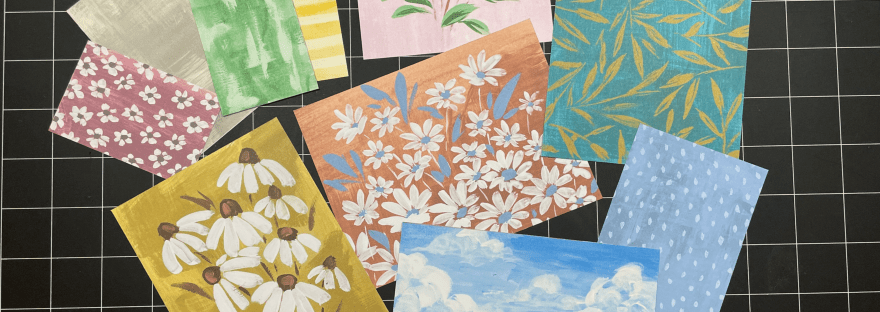
Hi this is Maria. Today I’m showing off the new Fresh as a Daisy Designer Series Paper, and I’ll show you how I cut the beautiful 12 x 12 sheet. This way you’ll have ready made backgrounds for your cards or crafts! It’s so easy to create when the paper is so stunning. I’ll also give you some handy tips when using this paper trimmer.
Craft with me!
Easy step by step instructions on YouTube so that you can watch, pause as needed, and craft along.
Shop Here, or click the Shop Tab at the top of the page.

Instructions:
- Look for cut lines in your paper. Focus on lines that go the length of the paper.
- Line up the image using the Paper Trimmer’s top ruler, the vertical lines on the grid, and the cut line.
- Close the blade guide.
- Slide the blade on the blade guide to get perfectly straight cuts.
- Use the ruler on the blade guide to line up with the etched line on the blade if you need to cut from the middle of the paper to the edge.
- Repeat line 1 – 4 until all of your pieces are cut.
- That’s it! You’ve prepared lots of background pieces for your craft making!

Supplies and suggested Tools:
- 161289 Fresh as a Daisy DSP
- 152392 Paper Trimmer


 Maria’s Craftroom