
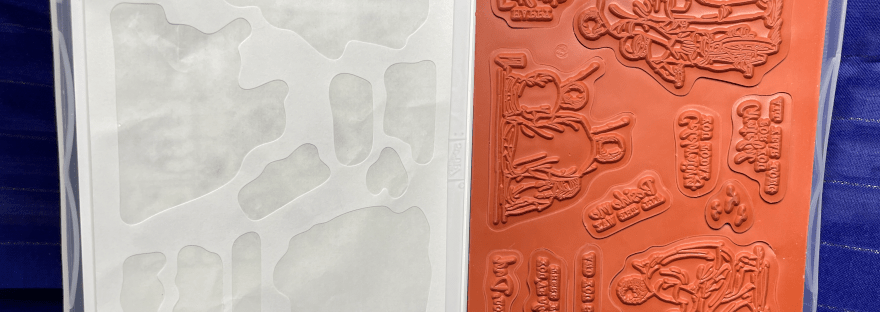
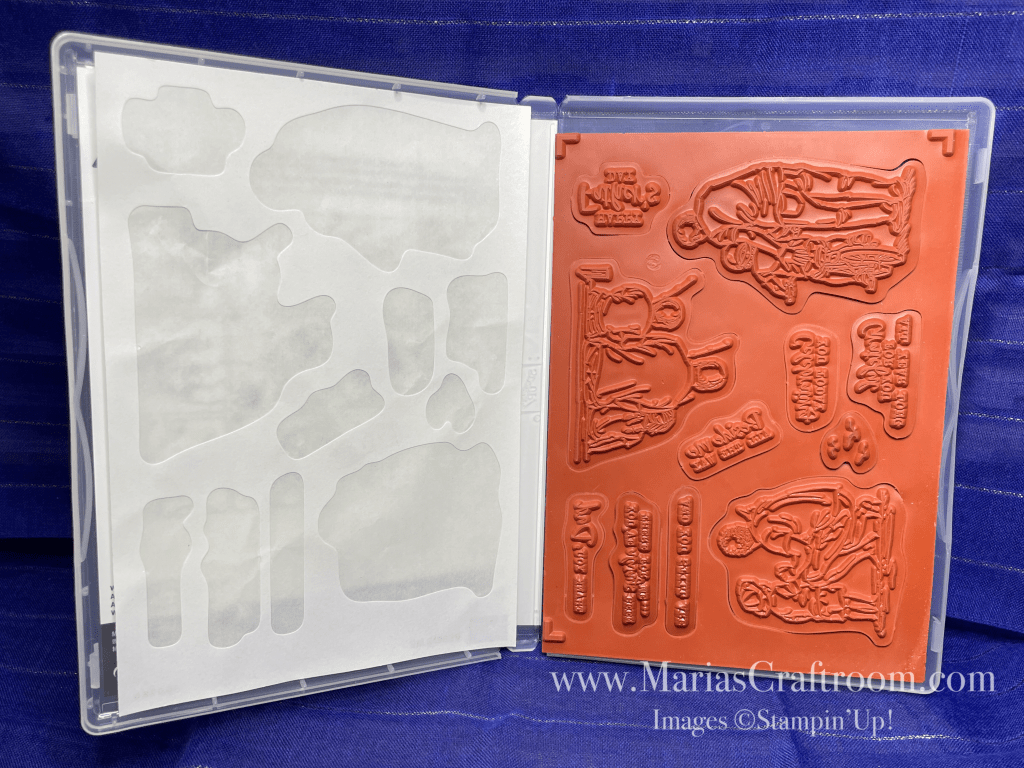
Hi this is Maria. Today I’m showing you how I attach the labels to my cling stamp sets. These come unlabeled, so you need to take a few minutes to add the labels. Let me show you how I do mine.
Craft with me!
Easy step by step instructions on YouTube so that you can watch, pause as needed, and craft along.
Don’t have a Stampin’ Up Demonstrator? I’d love to help you!
Shop with me HERE, or click the Shop Tab at the top of the page.
Instructions:
- Open your new stamp set.
- Chose a stamp and remove it from the large red rubber sheet.
- Remove the backing from the stamp, and place it on the desk sticky up.
- Find the matching label on the sticker sheet.
- Bend the sticker sheet to find the edges of the label.
- Remove half of the backing from the label to expose the sticky part.
- Remove the entire label from the label sheet.
- Hover the exposed sticky label over the back of the stamp and align the edges.
- Press the sticky side down, then peel off the other half and stick it down.
- Repeat this with each stamp.
- Place the labeled stamps back into the case.
- That’s it! You’ve labeled your stamp set!
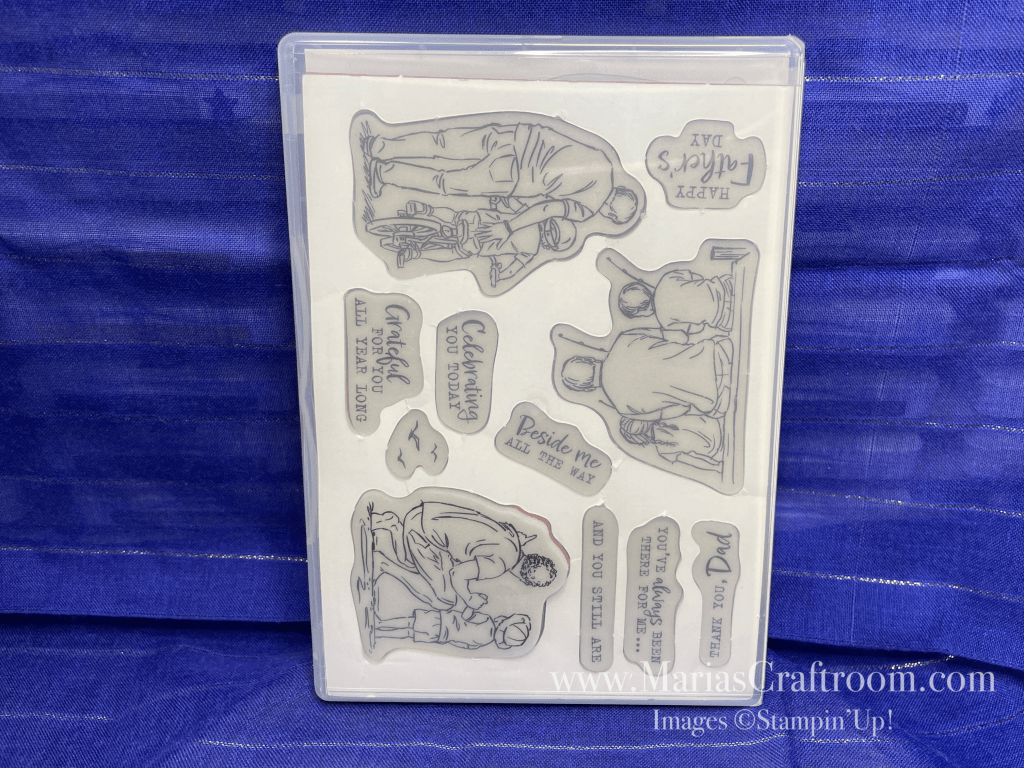
Supplies and suggested Tools:
- Stampin’ Up Stamp Set
- 118484 Block E
- 144107 Take Your Pick Tool
Don’t have a Stampin’ Up Demonstrator? I’d love to help you!
Shop with me HERE, or click the Shop Tab at the top of the page.

 Maria’s Craftroom