Today I'd like to show you the 2024 DigiBujo, a Digital Bullet Journal and planner that I have to get every year. It's my absolute favorite.
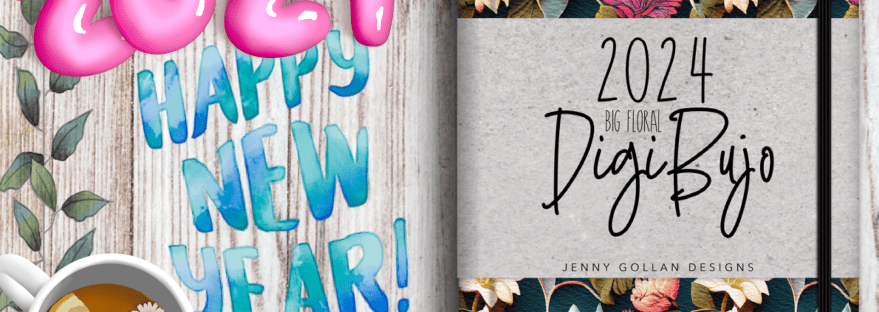
Today I'd like to show you the 2024 DigiBujo, a Digital Bullet Journal and planner that I have to get every year. It's my absolute favorite.
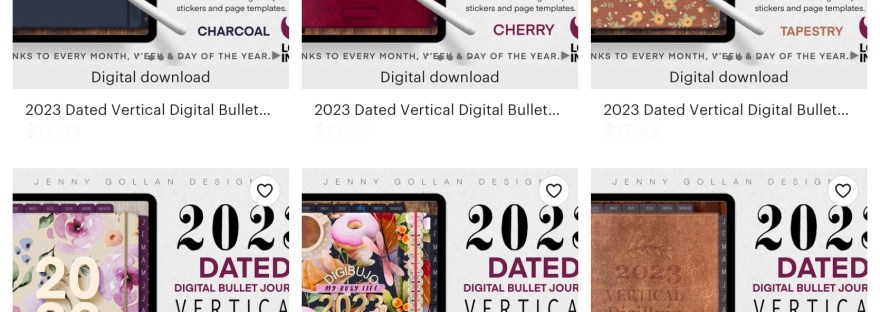
Today we’re walking through the 2023 Vertical DigiBujo by Jenny Gollan Designs. This one has linked monthly, weekly, daily and several custom sections. Completely customizable.
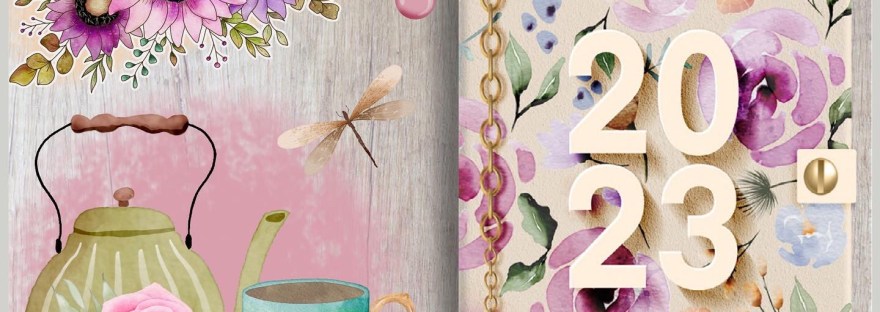
Hi this is Maria. Today I’m showing you a beautiful, customizable digital bullet journal or “DigiBujo” as Jenny likes to call them. The Floral 2023 DigiBujo I’ve been a brand ambassador for Jenny Gollan Designs for several years. She continues to amaze me with her stunning artwork and practical customizable journals/planners. This is the only… Continue reading 2023 DigiBujo by Jenny Gollan Designs

Today I'm doing a walkthrough of the 2022 DigiBujo by Jenny Gollan Designs. This is my favorite planner from my favorite artist. The DigiBujo has linked monthly, weekly, daily and a tracker section. It's completely customizable. You just add in the layouts or wording you want to make it exactly as you want it. Jenny… Continue reading 2022 DigiBujo Walkthrough

Today we’re making an easy weekly layout using included Emojis in the Noteshelf app. I didn't have many sticker sets when I first started planning, so I thought I'd show how to do a basic layout using standard tools that come with Noteshelf. We'll be only using the pen tool, shapes tool, text tool, highlighters,… Continue reading Easy Weekly using Emojis
Today we’re making an easy weekly layout using included Emojis in the Noteshelf app. I didn't have many sticker sets when I first started planning, so I thought I'd show how to do a basic layout using standard tools that come with Noteshelf. We'll be only using the pen tool, shapes tool, text tool, highlighters,… Continue reading Easy Weekly using Emojis

Hi this is Maria... Welcome to Maria's Craftroom! Today we’re making a reusable weekly layout in Procreate using Brushes, Clipping Mask and what I call Parchment Paper Overlay. This will be usable in any note taking app. Instructions: Lets open our favorite planner and get started. First, I like to export the planner page into… Continue reading Reusable Weekly using Brushes and Parchment Overlay in Procreate – Digital Planning

Hi this is Maria... Welcome to Maria's Craftroom! Today we’re making an easy reusable daily PNG layout in Procreate using Brushes and Clipping Mask. This will be usable in any note taking app. Instructions: I find making planner spreads easy. It's deciding which layout I like best that is the hard part. So I am… Continue reading Reusable Daily in Procreate – Digital Planning
Hi this is Maria... Welcome to Maria's Craftroom! Today we’re making an easy layout using stickers, and we’ll also be playing with the new iOS scribble feature. Instructions: First, open your favorite digital planner. I am working in Noteshelf today and adding in stickers from photo roll. You can keep them in files or dropbox… Continue reading Weekly Digital Plan With Me – Noteshelf

Hi this is Maria... Welcome to Maria's Craftroom! Today we’re downloading files from Etsy and saving into iCloud, DropBox and Photo Roll Albums. Instructions: When you are downloading files from Etsy, remember to always go to the website. You cannot download from the app. Log in to your account in Etsy, go to you, and… Continue reading Download files from Etsy and Save to iCloud, DropBox and Albums
 Maria’s Craftroom